Keep the visual context
Selected screenshots stay beside the corresponding transcript.
Video to Word converter
Turn a short video into editable notes with screenshots, timestamps, and the words that go with them. Download a DOCX and keep working in Word.
MP4, MOV, AVI & MKV · Local upload recommended
Selected screenshots stay beside the corresponding transcript.
Time ranges help you return to the original explanation.
Edit the text, add comments, and share a familiar DOCX file.
How it works
Choose a local MP4, MOV, AVI, or MKV file. The upload form shows the current size and duration limits.
FrameNotes extracts key screenshots and pairs them with timestamped transcript segments.
Choose the Word document in your completed results. Review the transcript, then add your own notes or comments.
A real video. A real Word export.
From our home planet to the observable universe: follow three moments from a science video through its exported notes. Every image, time range, and transcript excerpt below comes from the original Word file.
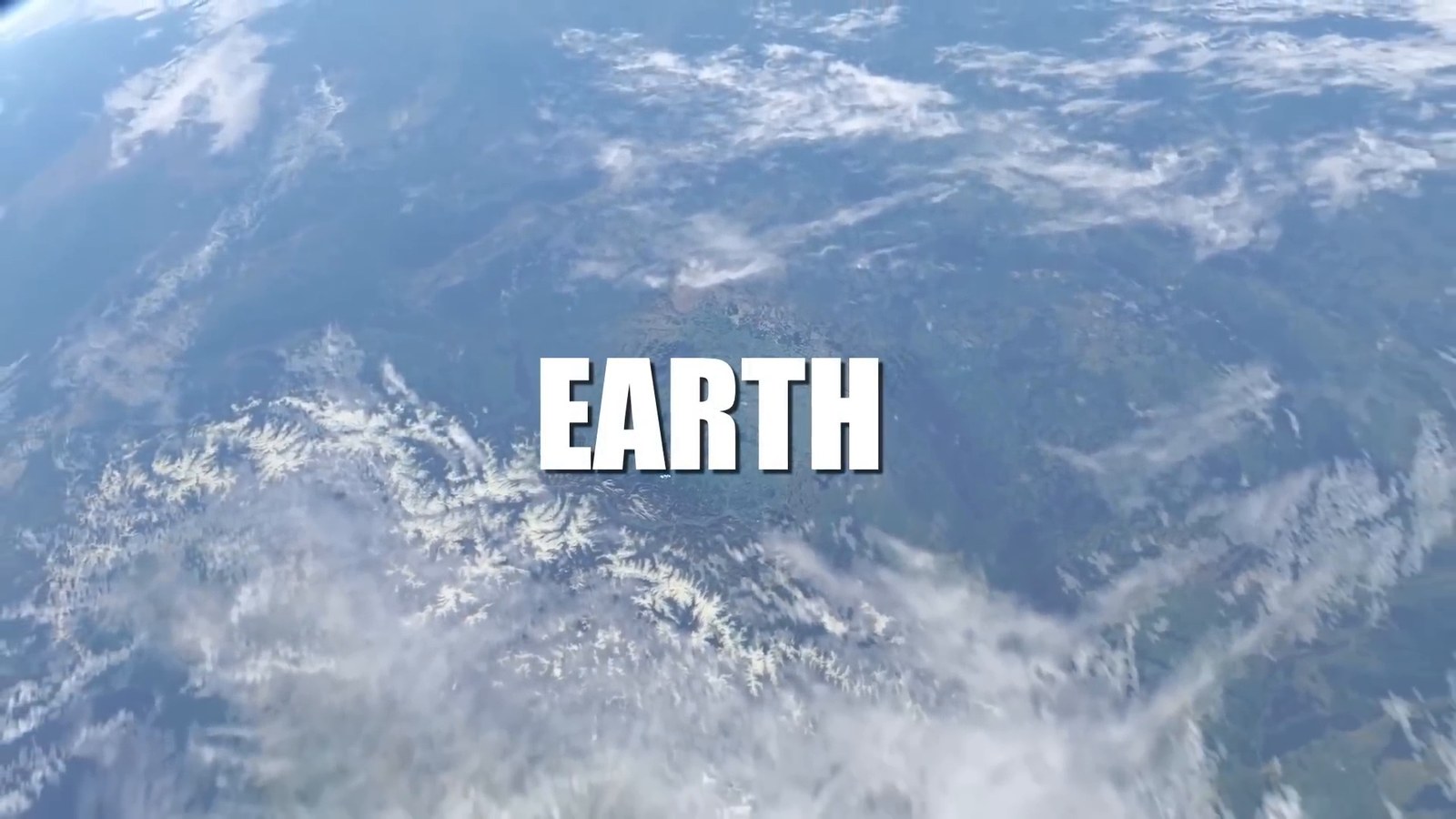
Transcript excerpt
A tiny blue dot floating in the immense cosmic ocean. Here resides everyone you ever knew.
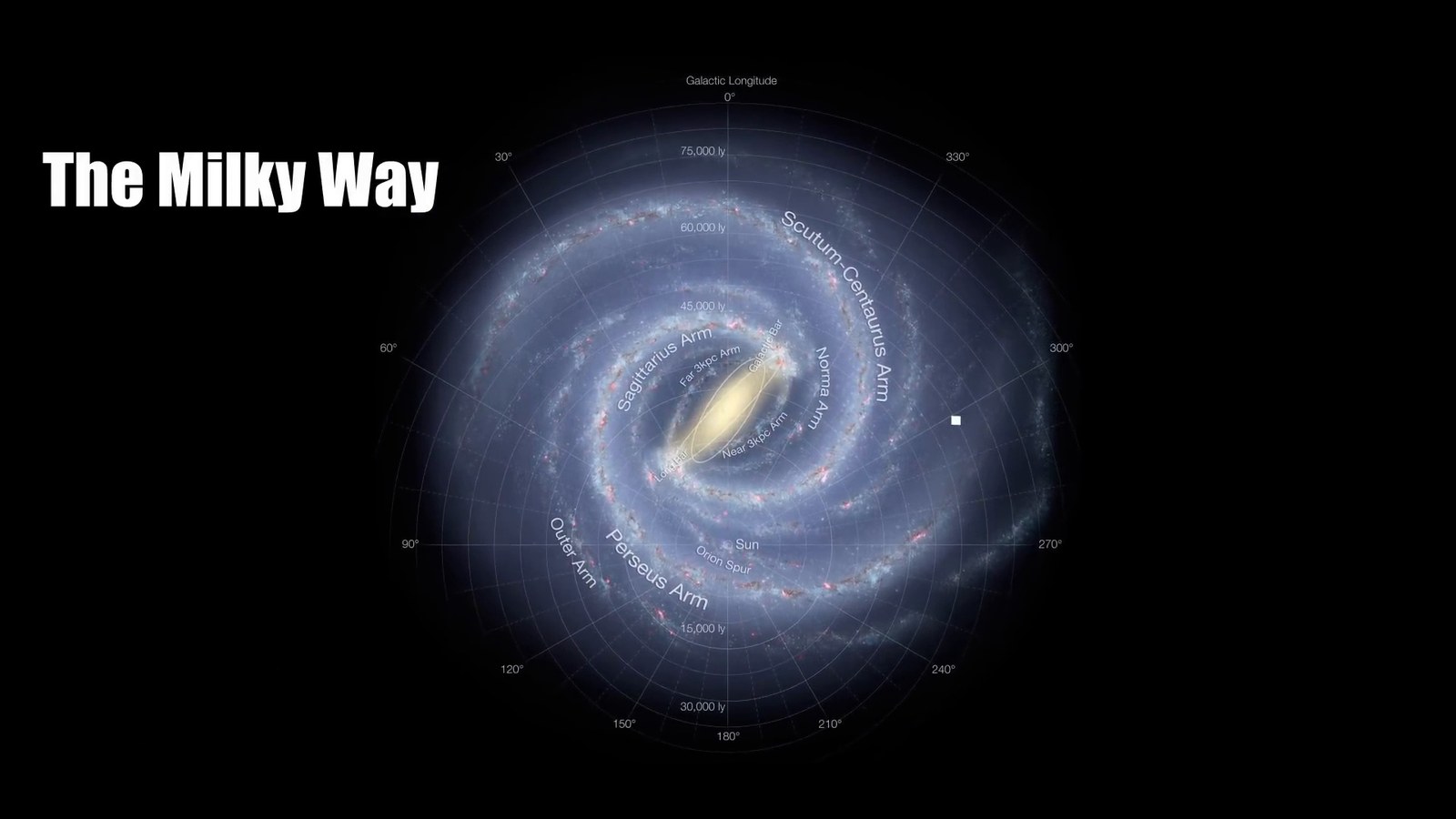
Transcript excerpt
Spanning about 100,000 light-years in diameter, this vast spiral galaxy is home to hundreds of billions of stars,
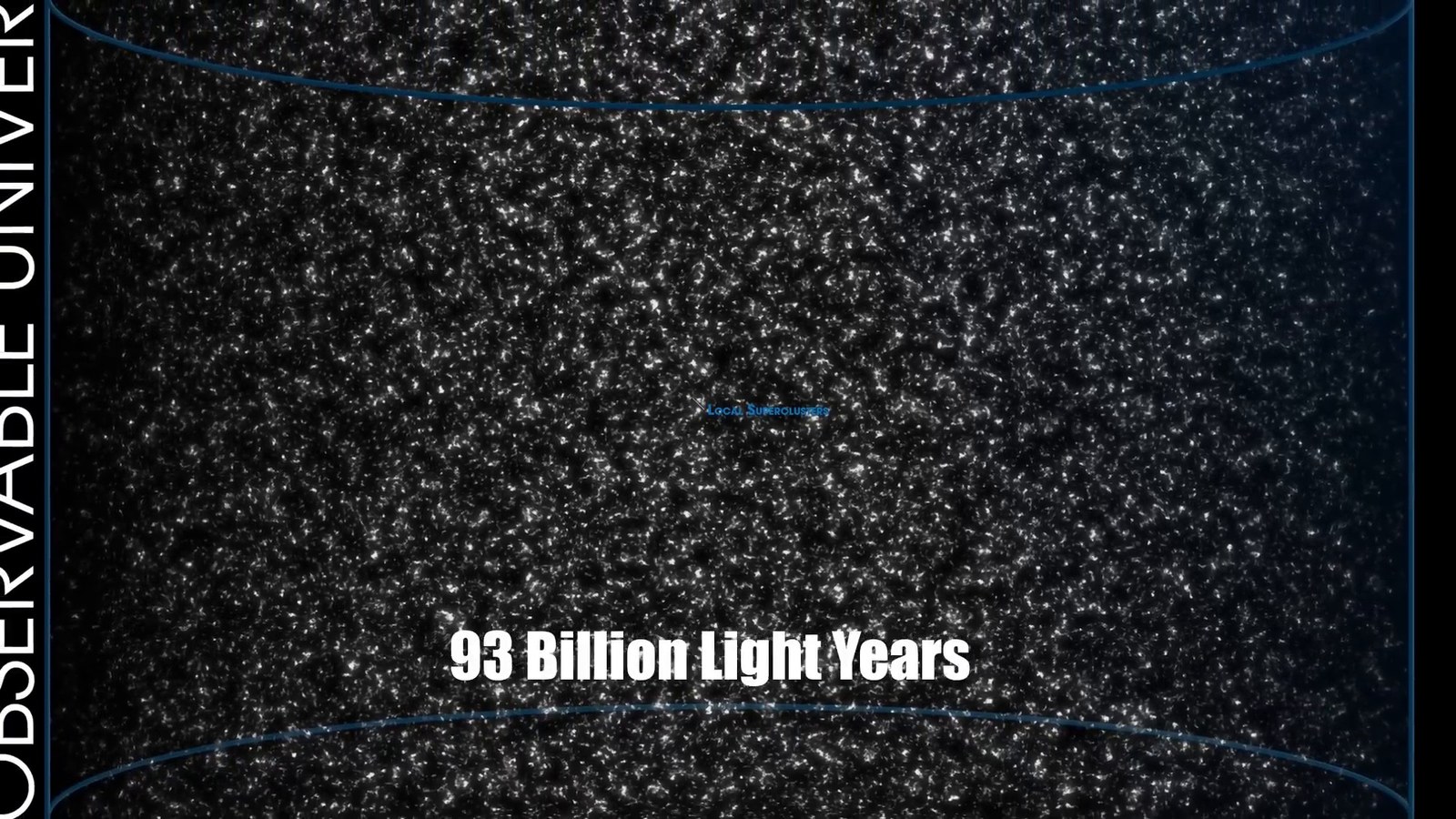
Transcript excerpt
universe, an astronomical marvel stretching about 93 billion light-years in diameter. This begs a fascinating question. If the universe is only 13.8 billion years old, how can it be so vast?
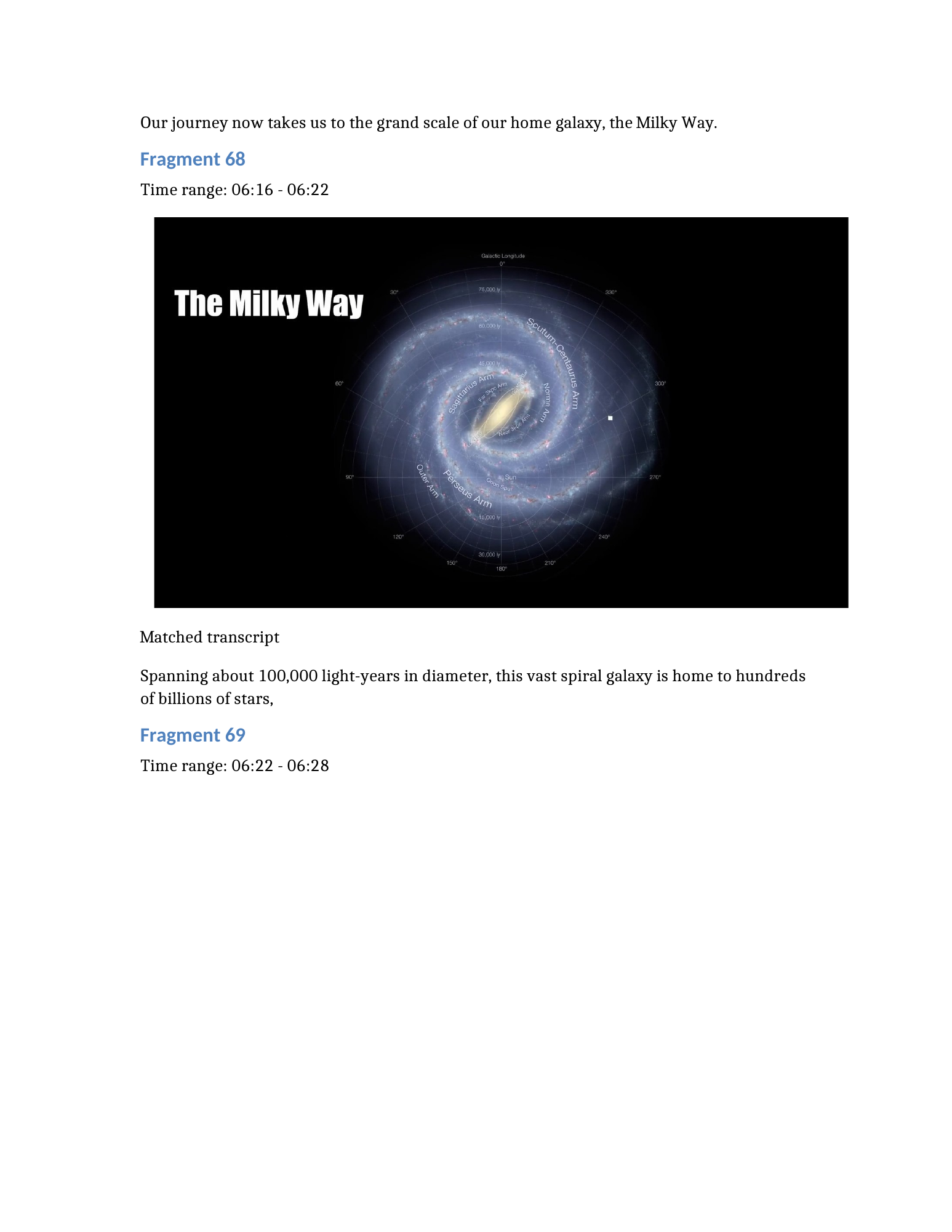
Inside the Word file
This is an actual page rendered from the downloadable DOCX. The image stays with its time range and transcript, while the text remains editable in Word.
Original DOCX · 14.3 MB · No upload required
The original export is preserved, including transcription errors and repeated text around fragment boundaries. Review automated notes against the source before quoting them.
Made for your next draft
Keep a slide next to the explanation and add revision notes in Word. Start with a short lesson or lecture excerpt.
Preserve useful screen states from a software demo. Edit the transcript into a written reference for the next time you need it.
Turn a short recorded explanation into a document colleagues can read, annotate, and discuss at their own pace.
Start with a short video
Upload your recording below. When processing finishes, download the Word document from the results.
FAQ
Upload a supported video to FrameNotes, wait for screenshot extraction and transcription to finish, then choose the Word document download in the results. Open the DOCX file in Word to review and edit the notes.
Yes. The DOCX export includes selected key images, time ranges, matching transcript segments, and a full transcript section. The number of screenshots depends on the visual changes in your video.
Yes. You can upload MP4, MOV, AVI, or MKV files. Check the upload form for the current file size and duration limits. Local upload is the recommended workflow for the public beta.
You can edit transcript text and headings, add comments or your own notes, and resize or remove the embedded screenshots in Word. Text shown inside a screenshot remains part of the image; it is not converted into editable slide text.
Save a video you own or have permission to use locally, then upload that file to the converter.
Yes. This example uses the supplied FrameNotes export for How Big is The Universe? The screenshots, timestamps, and transcript excerpts come directly from that document. The download is the original DOCX, with its original transcription and formatting. Automated transcripts can contain errors and should be reviewed.
More ways to keep your notes