Transcript with screenshots

Generate a transcript with screenshots from video.

A raw transcript is often hard to review because it loses the visual context. FrameNotes pairs transcript segments with screenshots so each explanation stays connected to the image on screen.

Workflow

How FrameNotes handles transcript with screenshots.

  1. Extract meaningful video frames and remove repeated screenshots.
  2. Transcribe the audio with the configured ASR provider.
  3. Match caption segments to the nearest image time range.
  4. Review or download a readable transcript-with-screenshots result.
Why it helps

Readable outputs instead of scattered video notes.

  • Avoid switching between transcript text and video playback.
  • Make visual lessons easier to skim after watching.
  • Create a shareable review document from a recording.

Available now

Current beta capabilities.

  • Timestamped screenshots from meaningful visual changes.
  • Transcript segments placed near the closest keyframe when transcription succeeds.
  • Failure states that avoid inventing captions when transcription fails.

Planned, not promised

Expected future improvements.

  • Improved caption segmentation for longer recordings.
  • Better quality checks for audio and provider errors.
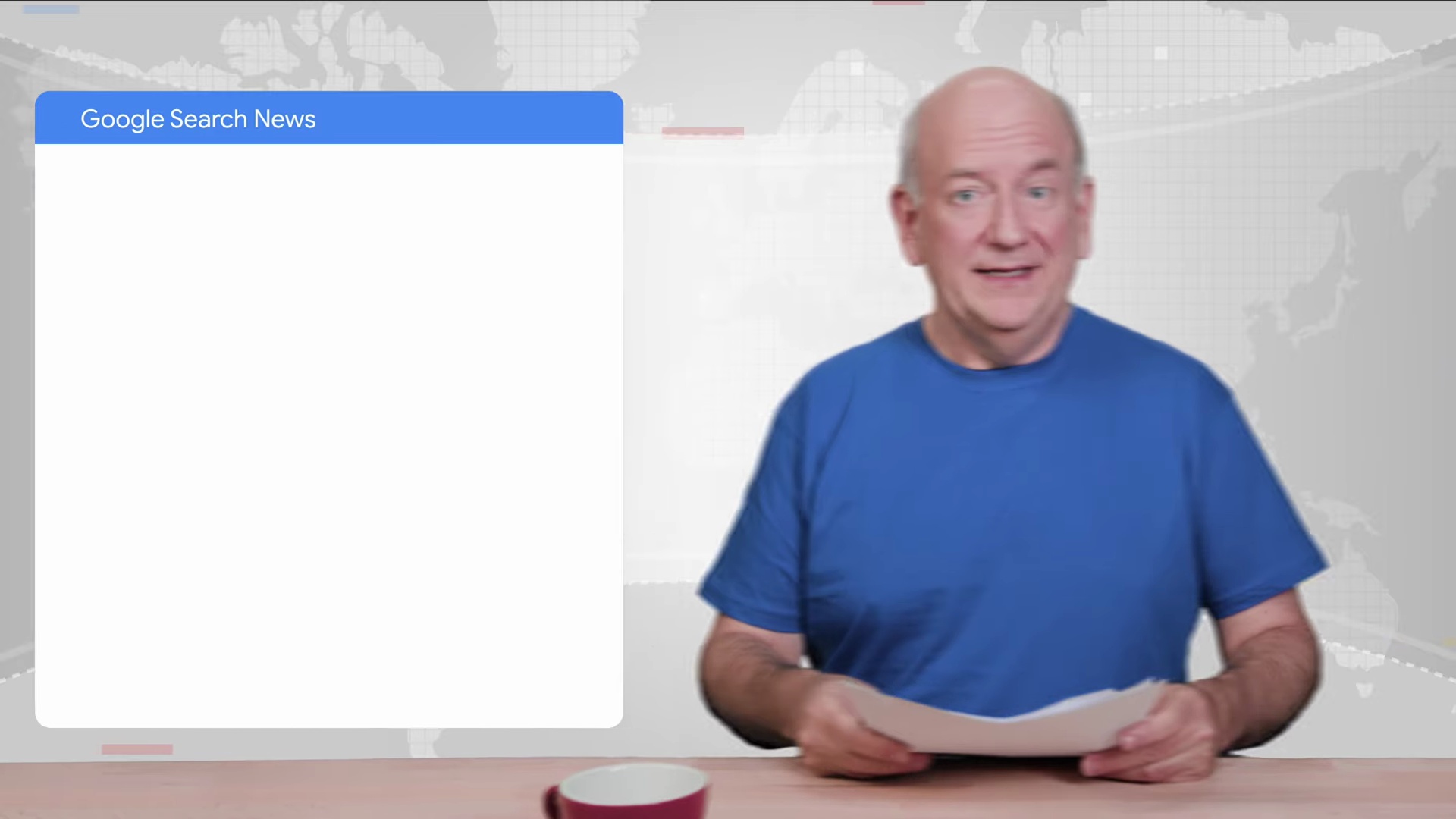
FrameNotes transcript with screenshots keyframe example
Sample outputKey image plus matching transcript
Export-ready

FrameNotes can package generated notes as HTML, Markdown, DOCX, and a Markdown ZIP with images so the output remains useful after download.

Output formats

Use transcript with screenshots results in your existing review workflow.

The current public beta focuses on short local video uploads. It keeps images, timestamps, and transcript snippets together so generated notes are easier to scan than a plain transcript or a screenshot folder.

  • HTML result pages for quick review.
  • Markdown packages for knowledge bases and editors.
  • DOCX files for reading, sharing, and annotation.

FAQ

Questions about transcript with screenshots.

Are screenshots timestamped?

Yes. Output cards include time ranges so readers can understand when each image appeared in the source video.

What happens if transcription fails?

The result should not invent captions. Failed transcription is shown as an error so you can fix API settings or try clearer audio.