From “How Big is The Universe?”00:12 - 00:18
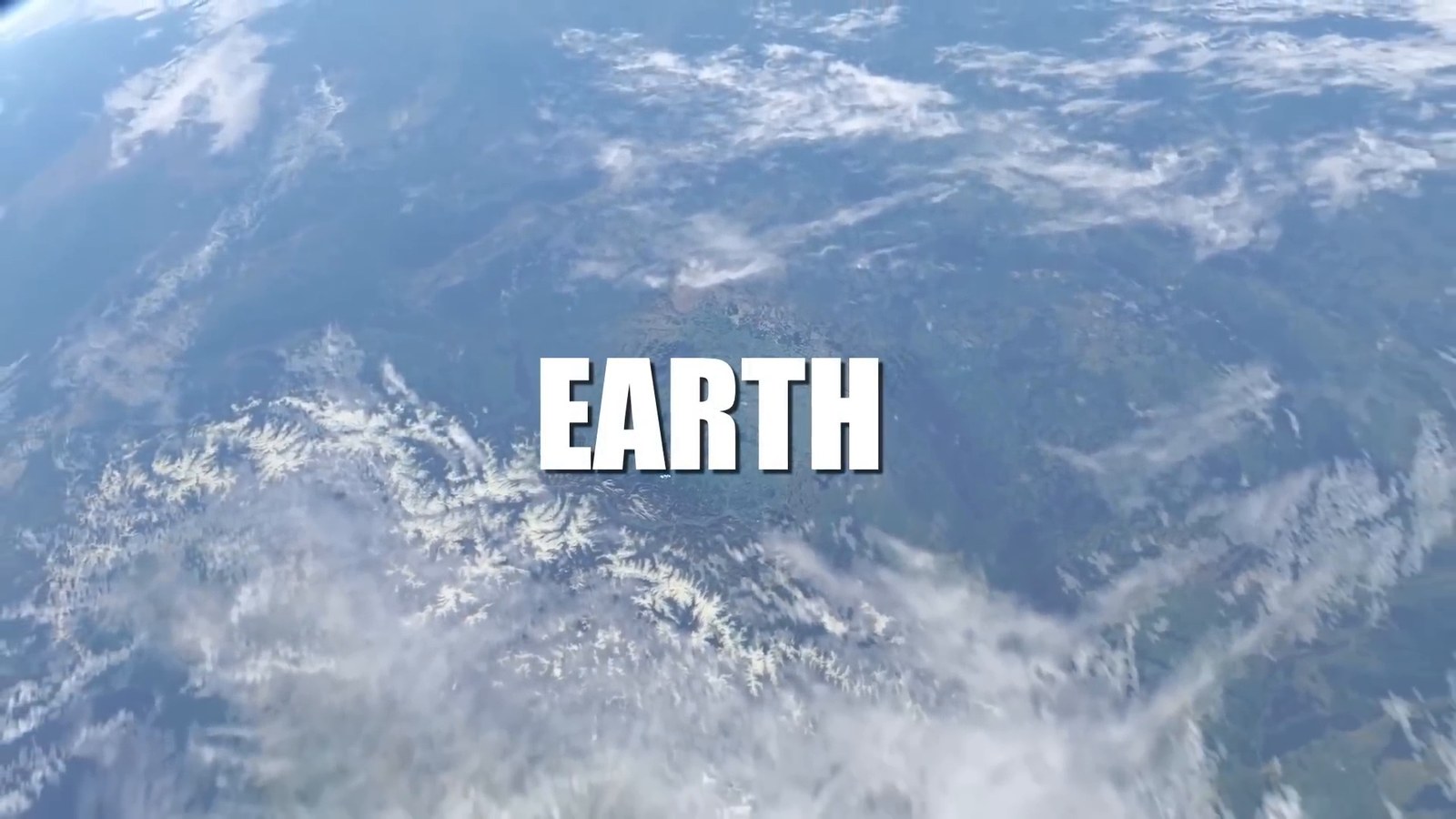
Matching transcript
A tiny blue dot floating in the immense cosmic ocean. Here resides everyone you ever knew.
Keep the frame that matters, the words spoken over it, and the moment they came from in one readable note.
FrameNotes helps you turn videos into visual notes when a slide, diagram, or screen demonstration carries meaning that a transcript alone cannot show.
See a real visual noteA real FrameNotes result
This card comes from a real conversion. The screenshot, time range, and transcript excerpt stay together, so the words still have their on-screen context.
A tiny blue dot floating in the immense cosmic ocean. Here resides everyone you ever knew.
The image preserves what was on screen while the speaker talked.
The transcript excerpt sits directly beneath its frame.
The time range marks where this frame appears in the original recording.
Real conversion of a Science Time video. Transcript text is shown as generated and may contain transcription errors.
From recording to reading
Visual note taking here begins with the video itself: FrameNotes selects useful frames, aligns spoken text, and packages both into a document you can review.
Slides, diagrams, and screen changes become candidate screenshots. Near-duplicate frames are filtered so the note stays scannable.
When the transcription service returns timestamps, spoken segments are paired with the frame visible at that point in the video.
Move through the note by image and time, then keep it as HTML, DOCX, or a Markdown package with its image files.
Why the pairing matters
Each format preserves a different part of the video. A screenshot-based note is most useful when the explanation depends on what viewers can see.
See the frame and its explanation together, with a route back to the original moment.
Searchable speech is useful, but a slide, chart, or interface state can be hard to reconstruct from text alone.
Frames show what appeared, but separate files do not tell you what the speaker said about each one.
Where it fits
Keep the instructor’s slide beside the explanation delivered while it was visible. Revisit a formula or diagram without scrubbing through the lesson.
Save the chart or demonstration in a talk with its spoken context and time range, then check the source before quoting or sharing.
Scan product walkthroughs and tutorials by screen state and commentary while outlining a follow-up article or video.
FAQ
When the transcription service provides timestamps, FrameNotes aligns the words with the video timeline. If timestamps are unavailable, text is distributed approximately across the frames. Review the result against the source when precise wording or timing matters.
It is a way to keep important video frames beside the words spoken at that moment. FrameNotes creates screenshot-based notes with timestamps so you can read the visual context without searching through the recording.
No. FrameNotes uses actual screenshots extracted from your video rather than drawing icons or diagrams. You can review the generated text and add your own interpretation afterward.
Yes. The current beta offers HTML and DOCX exports, plus a Markdown ZIP that includes the note and its image assets. Short local videos are the most reliable input.
Try a short clip with slides, diagrams, or a screen demonstration. Local uploads work best in the current beta.